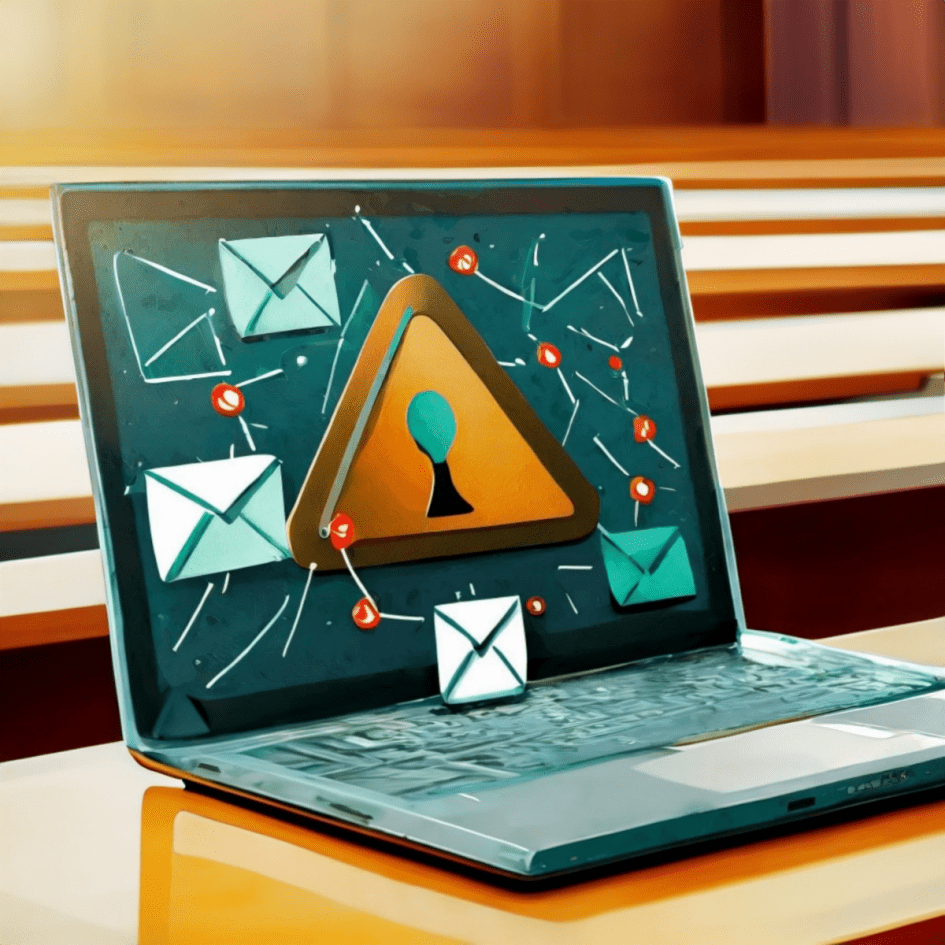
We hope you’re all doing well and staying safe. We wanted to take a moment to highlight an important topic that affects us all – phishing scams in higher education. As members of a vibrant academic community, it’s crucial that we stay vigilant and protect ourselves from these sneaky attacks.
Phishing scams are on the rise, and they’re becoming increasingly sophisticated. These scams often involve fraudulent emails or websites designed to trick you into revealing personal information, such as passwords, credit card numbers, or Social Security numbers and other personal information. The scammers can appear to be from legitimate sources, like university administration, IT departments, or even trusted colleagues.
Here are a few tips to help you spot and avoid phishing scams
- Be cautious with unsolicited emails: If you receive an unexpected email asking for personal information or urging you to click on a link or fill in a form, take a moment to verify the sender. Check the email address carefully, and if in doubt, contact the sender through a known and trusted method.
- Look out for red flags: Phishing emails often contain spelling and grammar errors, generic greetings (like “Dear User”), and urgent language that pressures you to act quickly. If something feels off, trust your instincts and double-check.
- Verify links before clicking: Hover over any links in emails to see the actual URL. If the link looks suspicious or doesn’t match the sender’s domain, don’t click on it. Instead, go directly to the official website by typing the URL into your browser.
- Keep your software up to date: Ensure that your computer and mobile devices have the latest security updates and antivirus software installed. This helps protect you from malware and other online threats.
- Report suspicious emails: If you come across a phishing email, report it to your university’s IT department or help desk immediately. This helps them take action to protect others and prevent further attacks. You can forward the email with attachments to iso@pace.edu or helpdesk@pace.edu
- Duo Codes via Text messages: Don’t be fooled into providing a Duo code via text message! Phishing emails often contain forms requesting passwords and cell phone numbers, once provided a text is often received to confirm identity with a Duo code from the device. The code is used along with the password provided via the form to authenticate to university systems. Never send a Duo code via text message!
Remember, staying informed and cautious is our best defense against phishing scams. Let’s work together to keep our academic community safe and secure.
Stay safe and vigilant!